Dia · by Satvi
Ask your company's data a question. Get an answer you can check.
Dia is a self-hosted data platform for enterprises. People ask questions in plain English, and Dia answers from definitions the data team has approved, never from a guess, and never with a query that could change data.
Who it's for
Built for the people who answer for the numbers.
Data and analytics leaders
who want the business to ask its own questions without losing control of what the answers are built on.
Analysts and engineers
who spend their days writing the same SQL for other people, and want a workbench with profiling, quality rules and lineage in one place.
IT and security teams
who will only let AI near production data if it provably cannot change it, and if it runs on their own servers.
How it works
The AI reads the question. Code does the rest.
01AI
Understand
The AI works out what you're asking
02
Resolve
Matched to business terms your team approved
03
Plan
Code picks the joins. The AI never does.
04
Check
Anything that would change data is refused
05
Answer
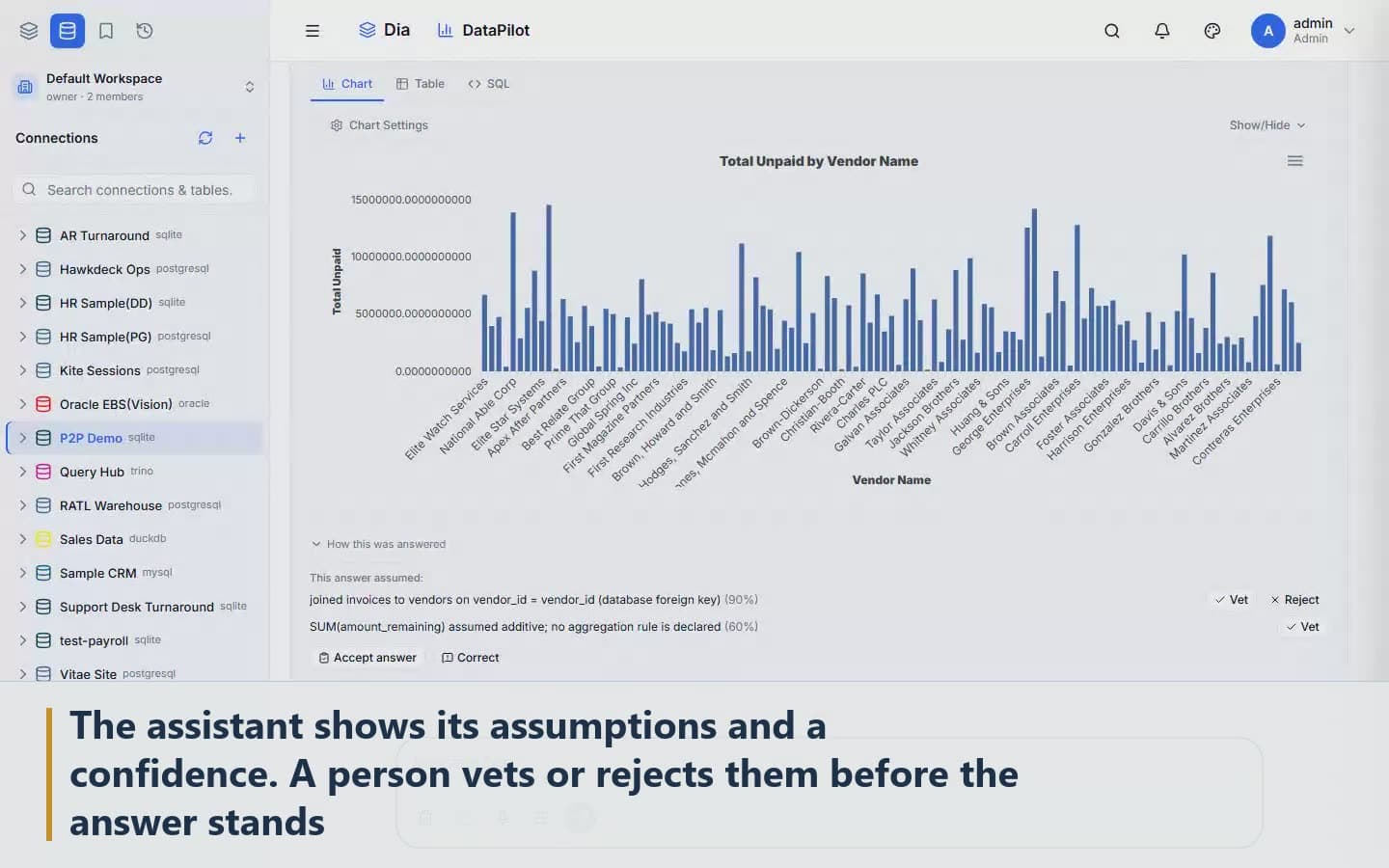
A table, a chart, and the assumptions behind them
In Dia the AI never invents a join. It can only use relationships a person has approved, so every answer traces back to definitions your team agreed on.
One platform
The chat is the front door.
Dia is one platform from the first byte to the last chart. It brings your data in and streams it, queries it across every source, keeps it in a governed lakehouse, and lets people ask, see and act on it. The chat is the front door. Everything behind it is the same product.
01
Bring data in
Change capture, streams and files from the systems you run.
Databases · Change capture · Streams · Files · APIs
02
Query it
One SQL over every source, fast enough for a dashboard.
Federated SQL · Workbench · Profiling · Quality rules · Plans
03
Keep it
A lakehouse with history, a catalog, your own storage.
Lakehouse · Time travel · Catalog · Object storage
04
Use it
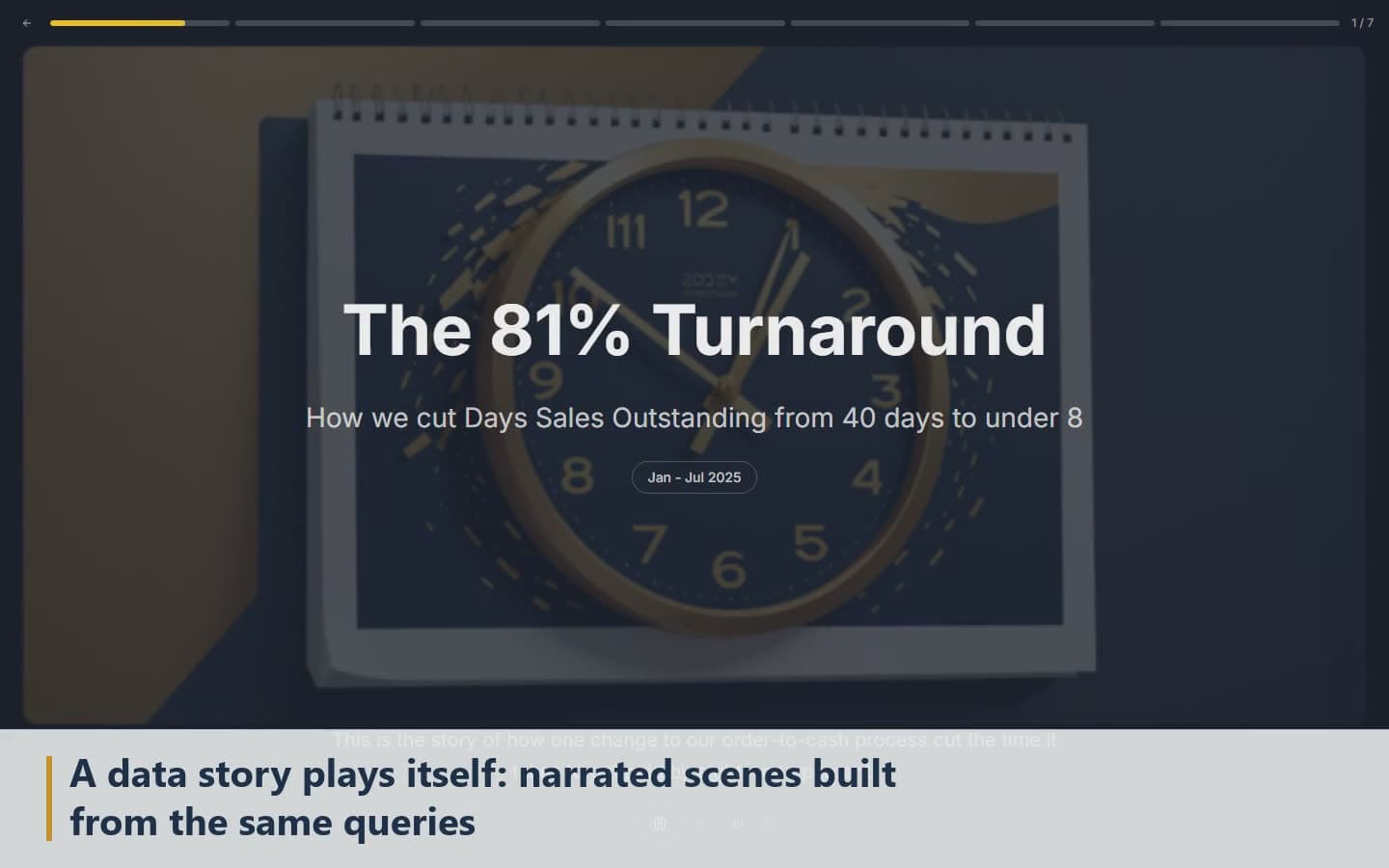
Ask, explore, dashboards, stories, agents and lineage.
Ask · Explore · Dashboards · Stories · Agents · Lineage · MCP
What's inside
Behind the front door.
Ask
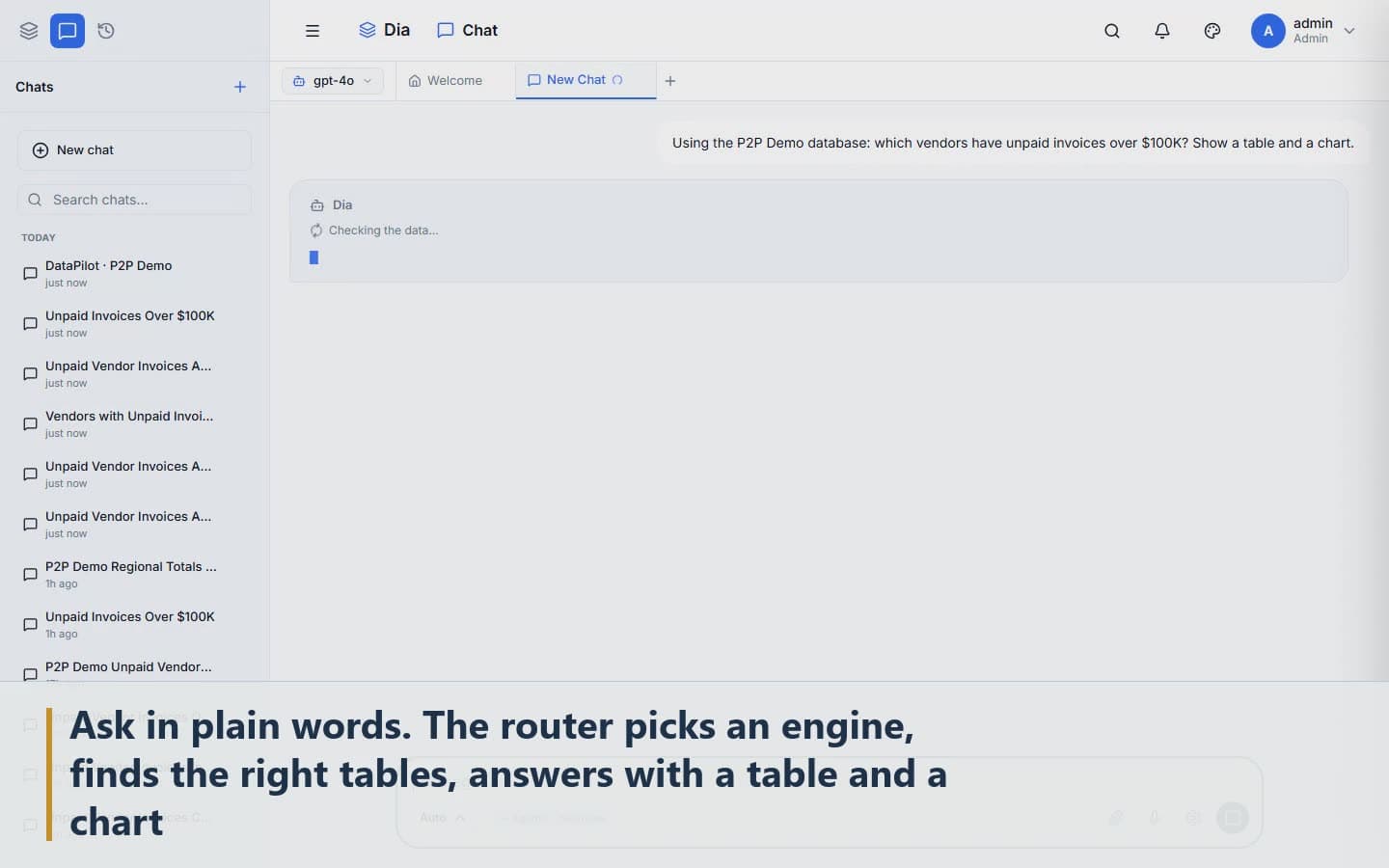
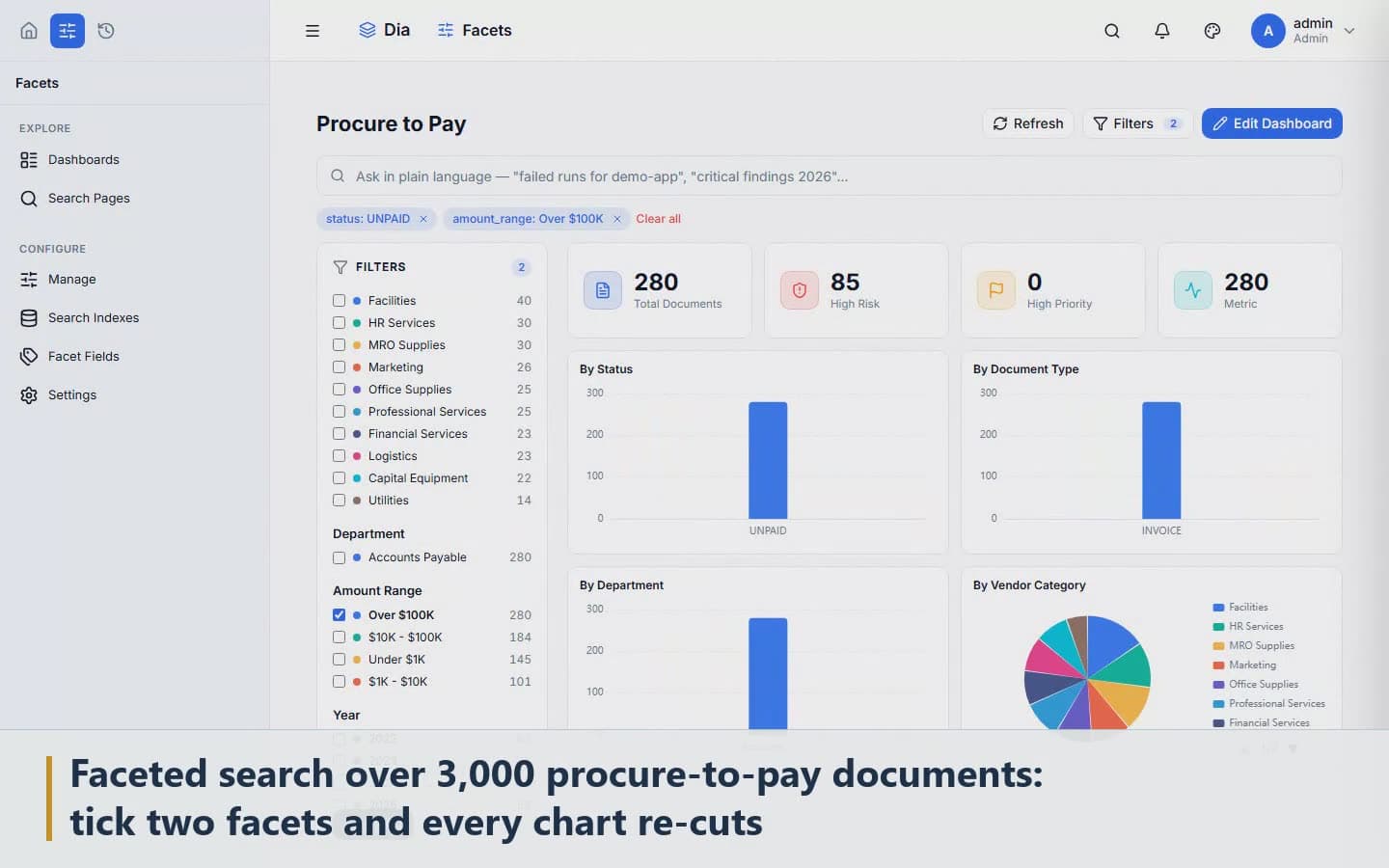
Questions in plain English. Answers as a table, a chart and an explanation, with the assumptions shown.
Semantica
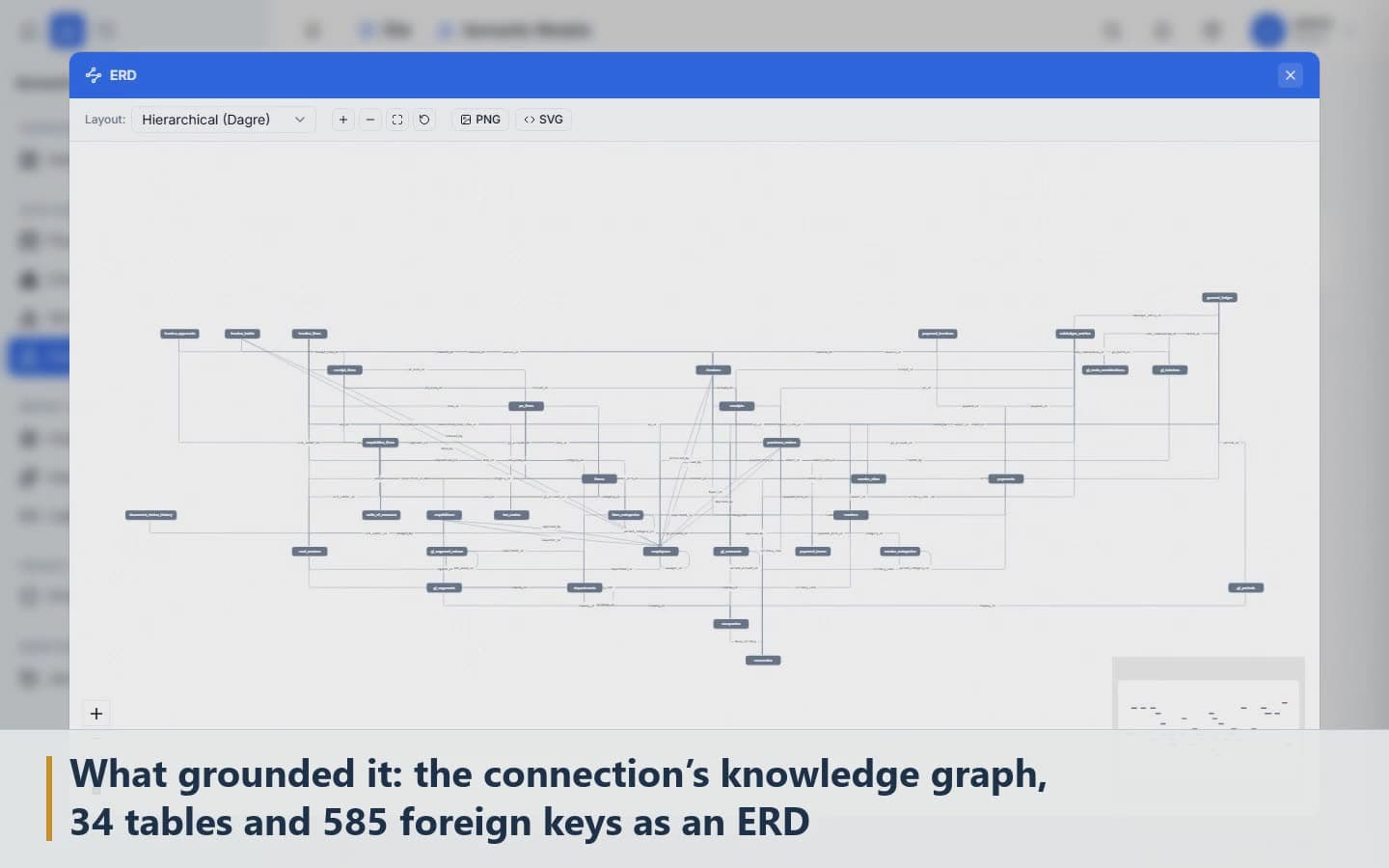
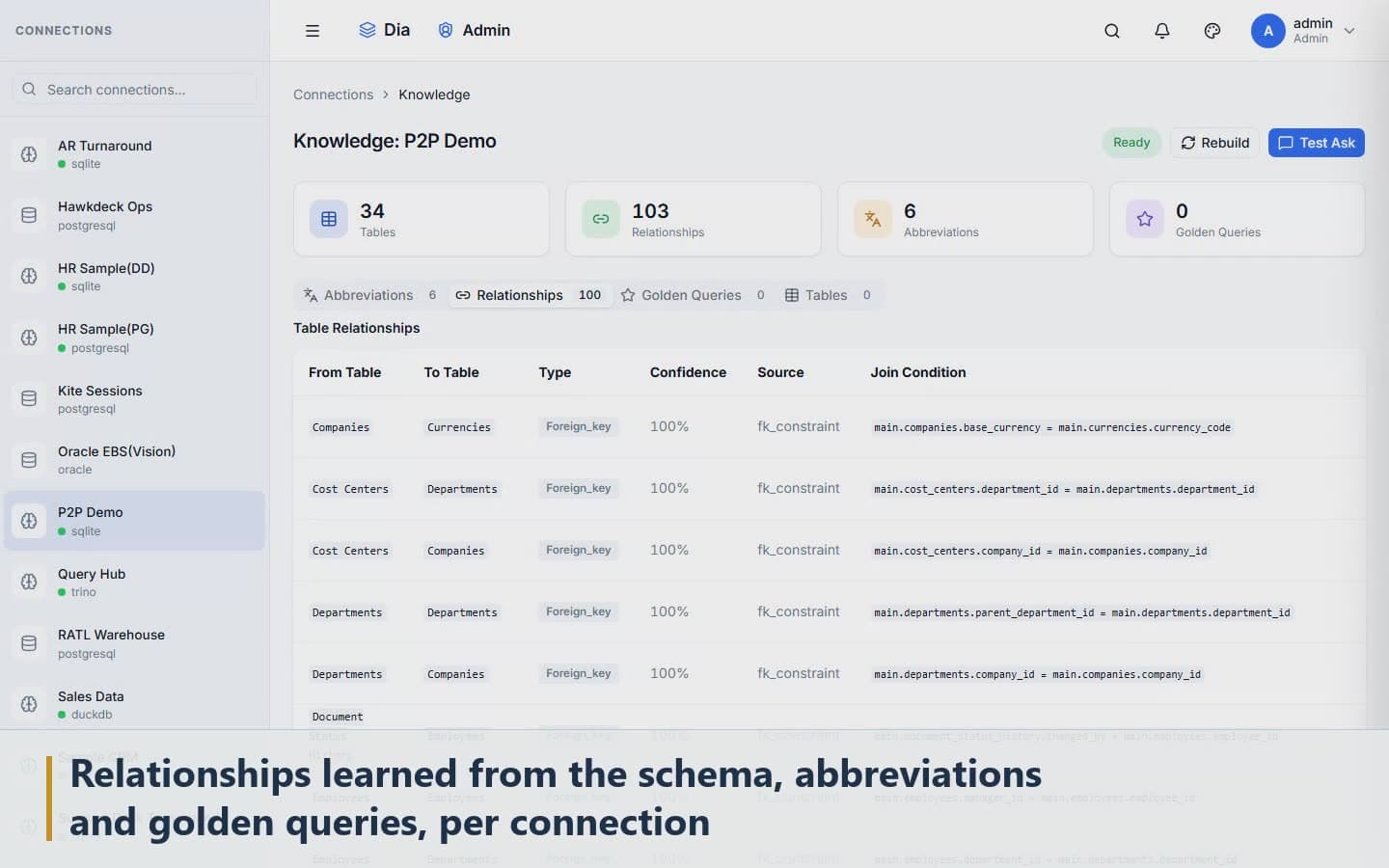
Approved business definitions. Dia proposes the entities and relationships behind your tables. Nothing is used until your team approves it. Each connection gets a readiness score out of 100 so you know how much of it Dia can answer for.
Read-only gate
Every generated query is checked in code. Nothing that writes gets through, even hidden inside a larger query.
SQL workbench
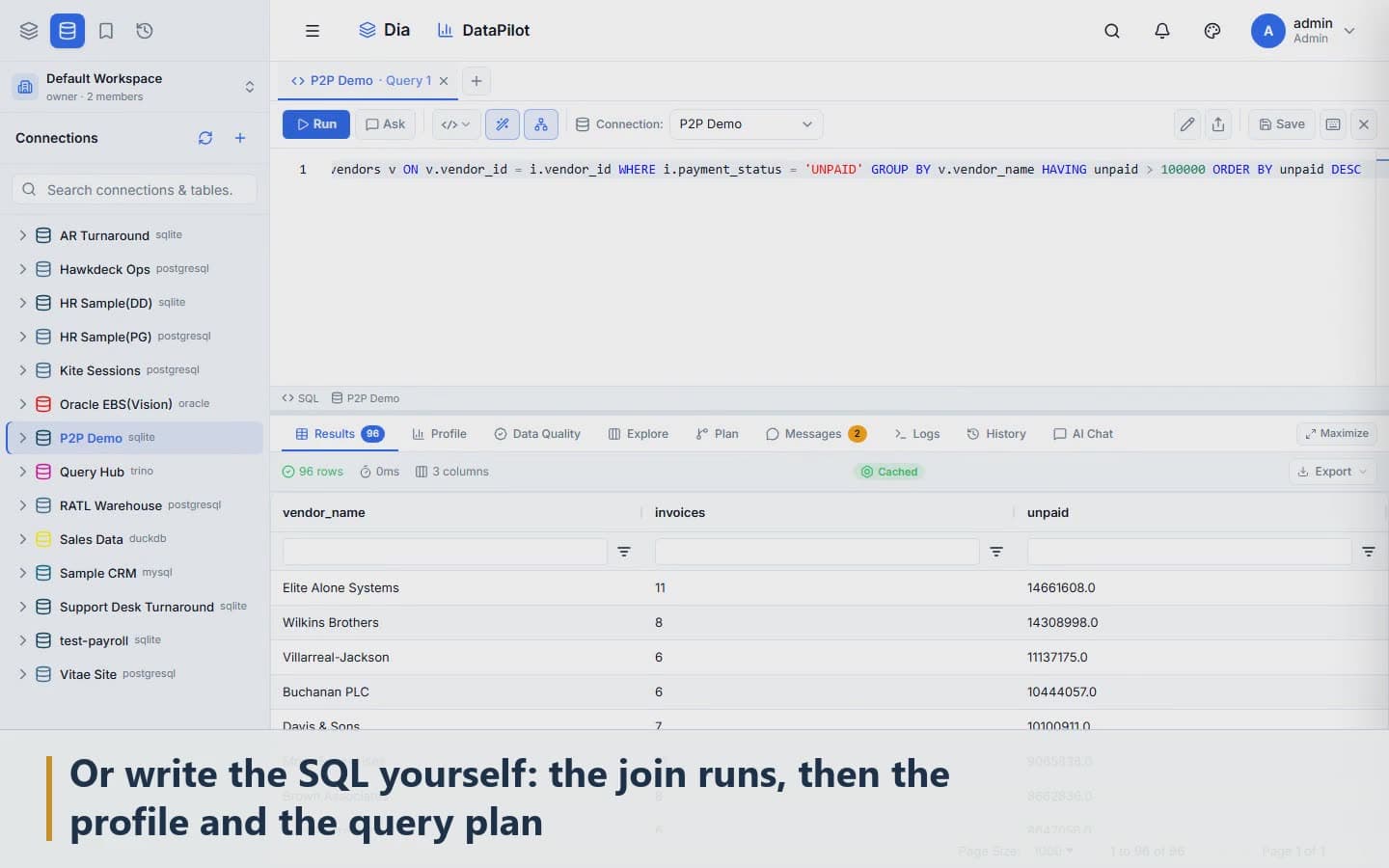
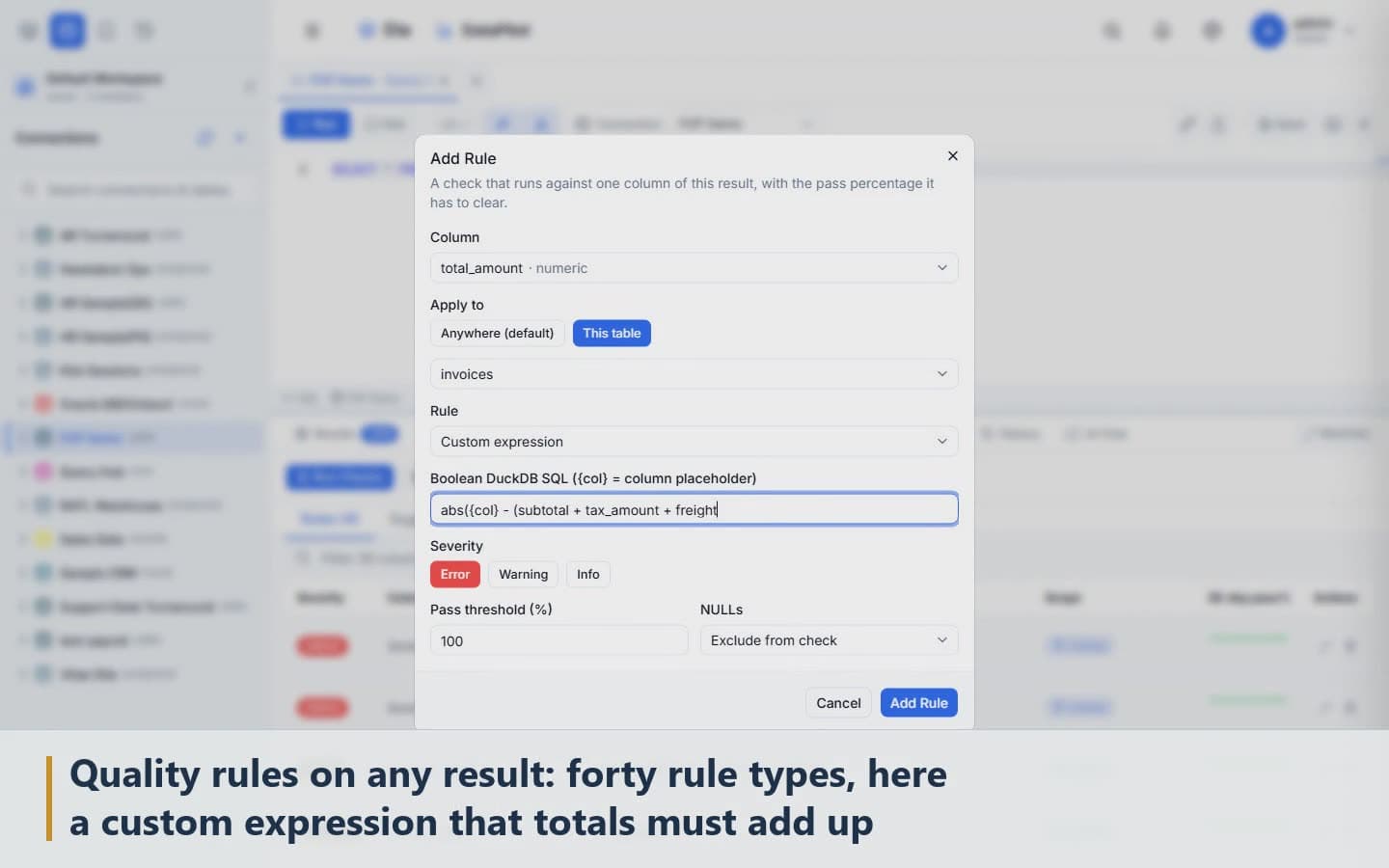
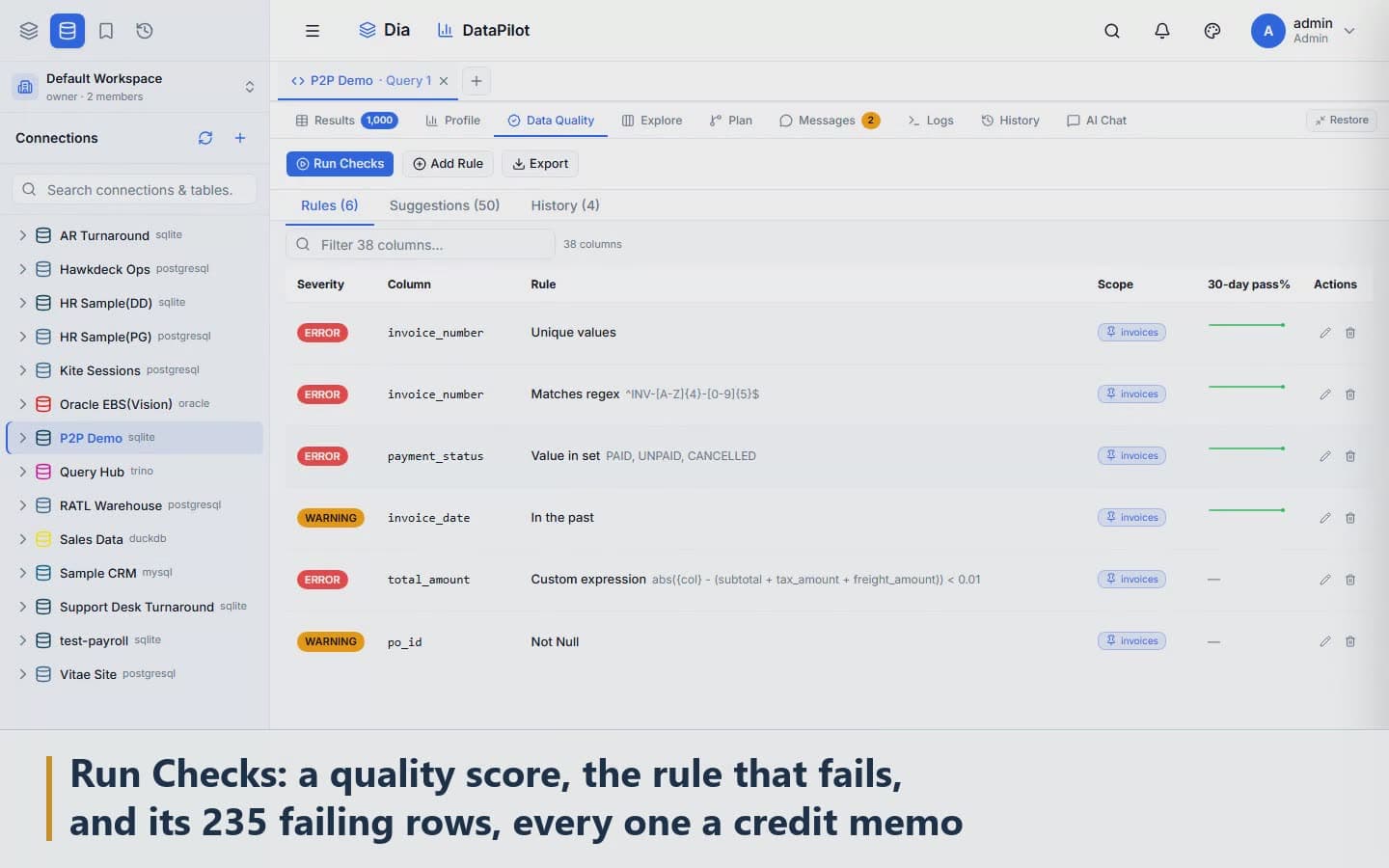
Profiling, query plans and 44 kinds of data-quality rule, with the failing rows a click away.
Weave and Orchestrate
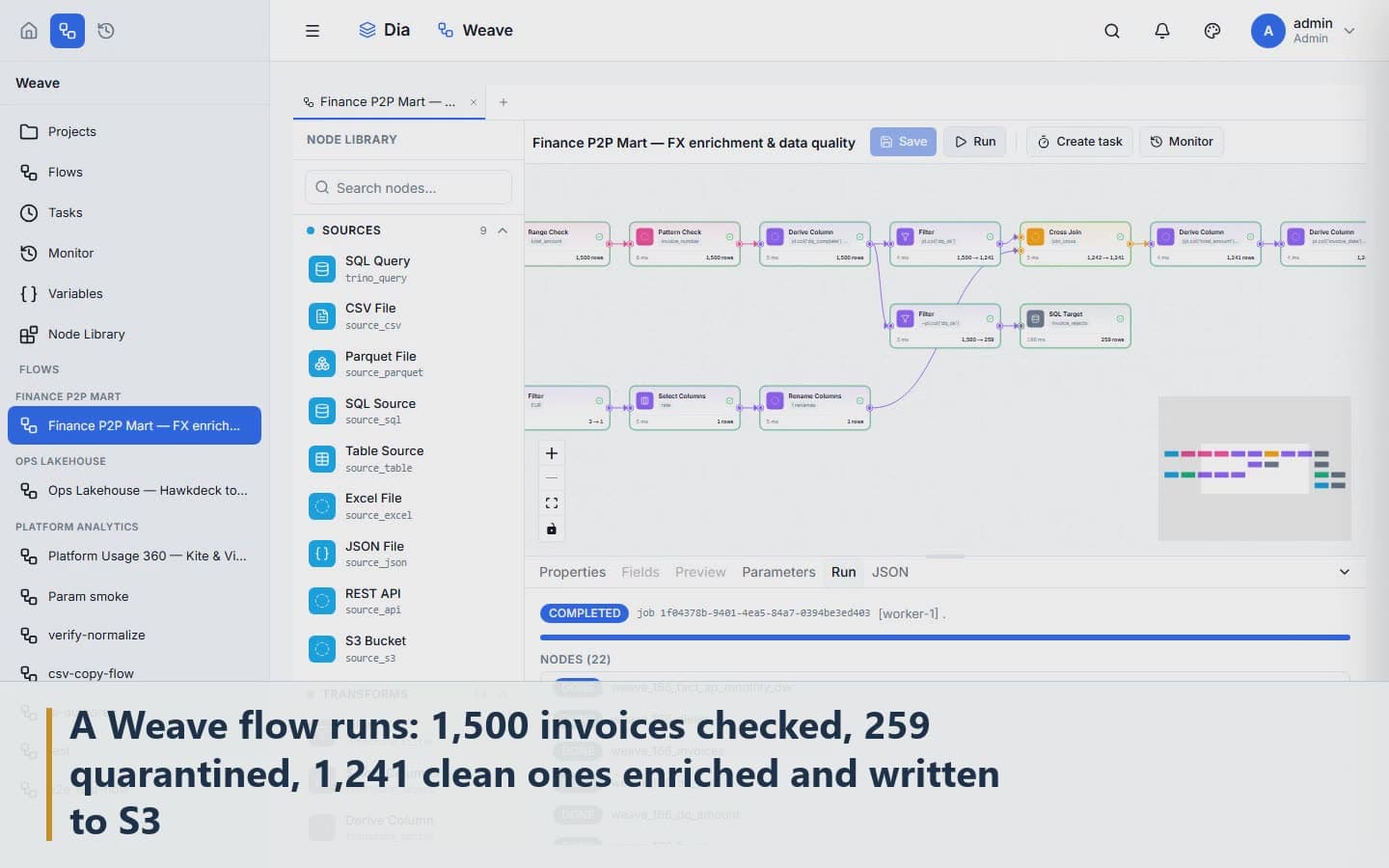
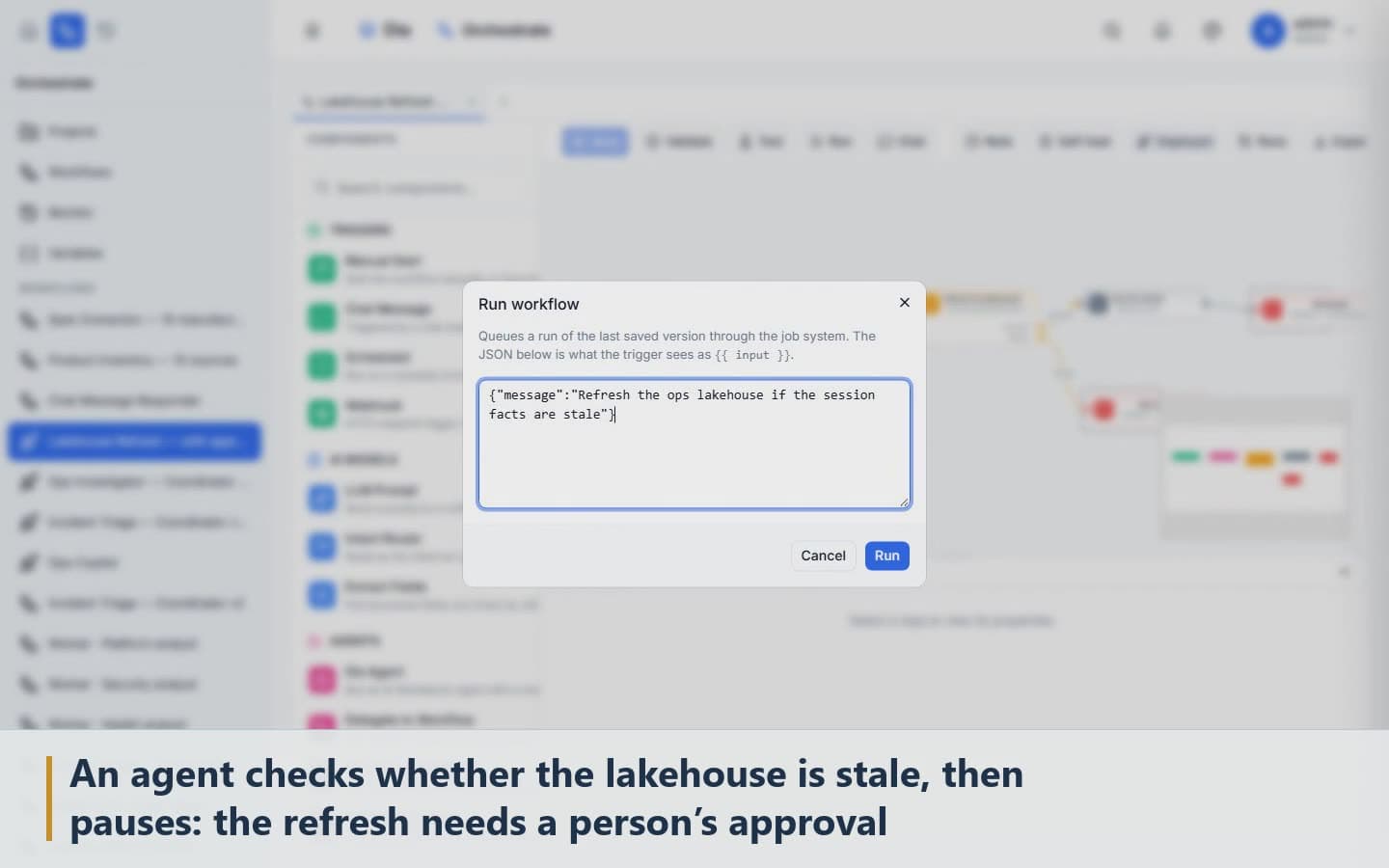
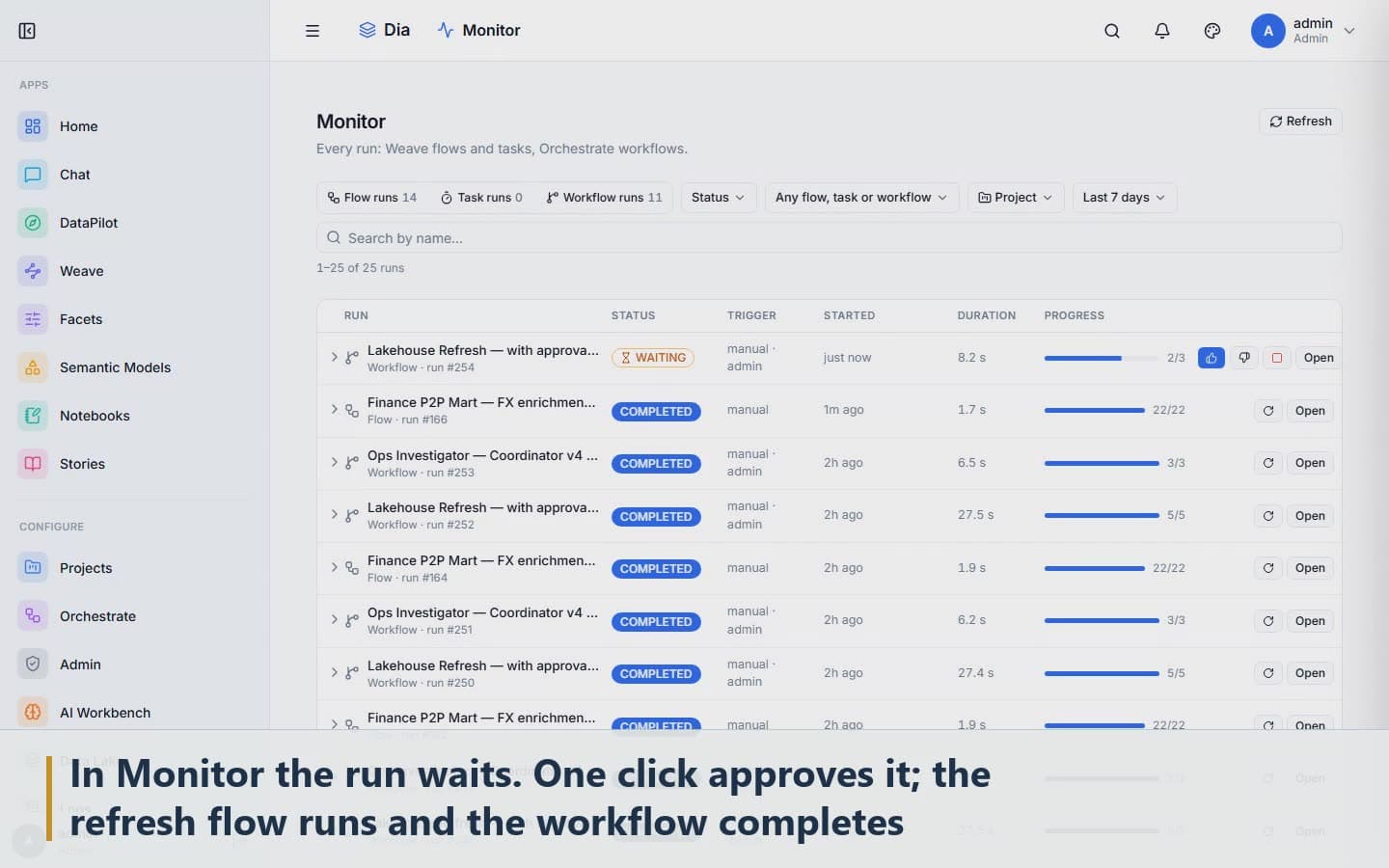
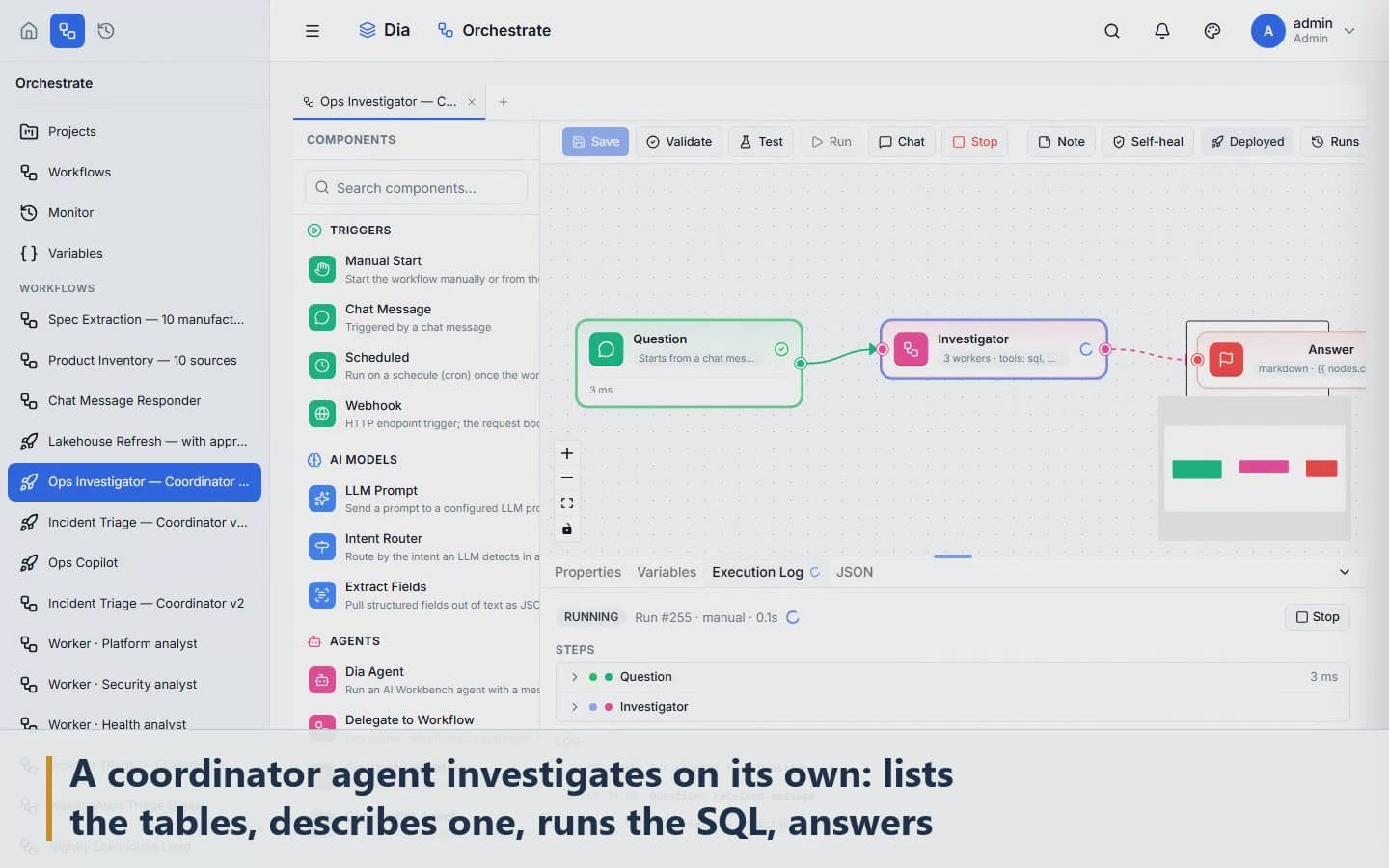
Data flows you build visually, and agents that pause for a person's approval before anything consequential.
Screens
Dia, as it runs.
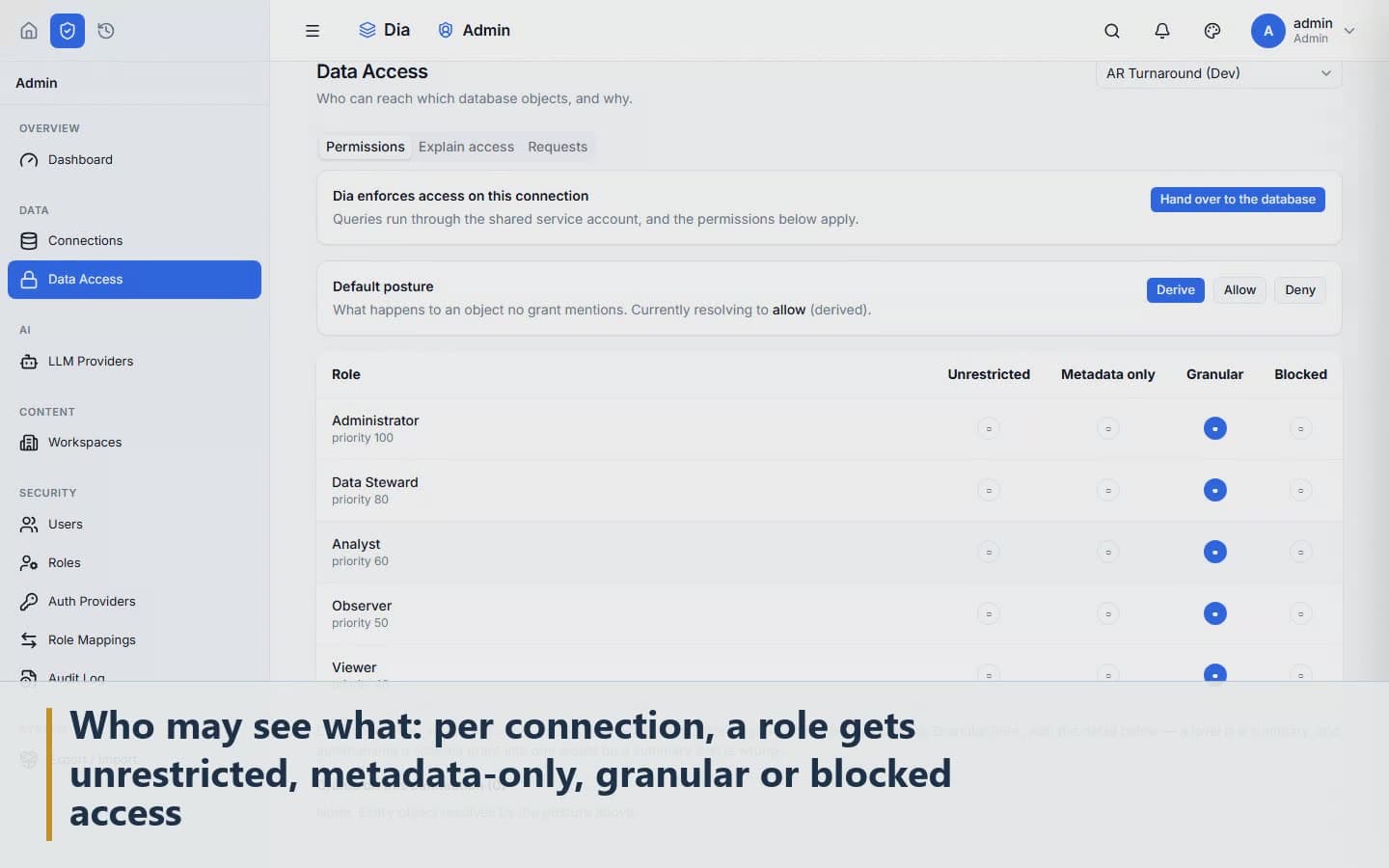
Frames from a walkthrough on a company's procure-to-pay data.
Who can see what
Access is decided per connection, per role.
Four access levels per connection
A role gets unrestricted, metadata-only, granular or blocked access to each connection.
Column masks and row filters
A role sees the columns and rows it is allowed to, and the answer is built from nothing else.
PII classified automatically
Personal data is found and labelled as a connection is read, so masks can be set before anyone asks.
A read-only observer role
For the auditor, the reviewer and the demo account.
An audit log of every question and query
Who asked, what was understood, what ran, and when.
Optional credential pass-through
A user's own database credentials apply, so the database enforces what it already enforces.
Your model, your network
Dia works with the model you choose.
OpenAI, Azure OpenAI and Anthropic, or Ollama running on your own hardware.
Works with
- OpenAI
- Azure OpenAI
- Anthropic
- Ollama, on your own hardware
With a local model, no question and no data leaves your network.
What it connects to
Your databases, your documents, your servers.
Databases
- PostgreSQL
- MySQL
- Oracle
- SQL Server and Azure SQL
- SQLite
- DuckDB
- BigQuery
- Trino, and the engines it federates
Files
- CSV
- Excel
- JSON
- Parquet
Documents
- Confluence
- Jira
- SharePoint
Sign-on
- Keycloak
- Microsoft Entra ID
- Any OIDC provider
Models
- OpenAI
- Azure OpenAI
- Anthropic
- Ollama, on your own hardware
What it does
Ask a question the way you'd ask a colleague, and Dia comes back with a table, a chart and a short explanation. It shows the assumptions it made and how confident it is, so someone can check an answer, or throw it out, before it's used.
Behind the scenes, Dia decides how to answer: by searching your documents, or by handing the question to an agent that can query your systems. You can choose the method yourself if you prefer, or put two answers side by side.
Semantica: the semantic layer
Semantica reads your database and works out the business things it describes, such as customers, orders and invoices, and how they relate. Each of these starts out as discovered, can be proposed, and only becomes usable once a person approves it.
From then on, when someone asks a question, the AI's only job is to understand it. Choosing which tables to join is done by code, using only what's been approved, so the AI can't quietly join the wrong data.
Every database connection also gets a readiness score out of 100, which tells you how much of that database the AI can genuinely answer for, and where the modelling work is still missing.
Safe by design
Every query Dia writes is checked before it runs. Anything that would change data is refused, even inside a larger query. Connections are read-only unless an administrator marks one writable, and each query runs in a read-only transaction that is always rolled back.
Beyond questions
There's a SQL workbench with data profiling, query plans and 44 kinds of data-quality rule. Weave lets you build data flows. Orchestrate runs agents that stop and wait for a person's approval when it matters. And IDIA, Dia's companion, traces where every column of data comes from across the systems a business runs on.
Compares with
Built the other way round.
The incumbents bolt a copilot onto a cloud BI tool. In Dia the AI does one job, and everything after it is code a person approved.
| Dia | Power BI Copilot | Databricks Genie | ThoughtSpot | |
|---|---|---|---|---|
| Joins only from approved relationships | Yes | Model-generated | Model-generated | Model-generated |
| Refuses any query that writes, in code | Yes | n/a | Partial | n/a |
| Runs on your own servers | Yes | No | No | Cloud |
| Local model option | Yes | No | No | No |
| Lineage across ERP, Fabric, Informatica | With IDIA | Fabric only | Unity only | No |
Competitor cells are from public product documentation as of October 2026.
Getting Dia
On your servers, behind your sign-on.
Dia ships as a Docker Compose stack for your servers or your cloud account, behind your sign-on, with a role for every connection. A guided demo on data like yours takes about forty minutes.